
// Maawa OS — the software
Turn any camp online in a day.
Stick a permanent QR on every shelter and the whole site goes live — mapped, answerable, and running on one screen. No app for the people inside, no account, no new hardware.








// The platform
Five tools, one screen.
A live map, a dashboard, the requests coming in and the people behind them — plus full control of what each site collects. Everything a site runs on, in two languages.
Live map
Every unit a pin — filter by state, requests or SOS, tap for the full panel.
Dashboard
Occupancy, open requests, active SOS and response times, refreshing on its own.
Requests
Water, food, medical, repair — typed, timed and closed with a note.
Residents
Who’s in each unit and since when — a clean household timeline.
Customization
Pick the fields, request types and surveys each site collects. Modules on or off.





// Built around your site
You decide what it collects.
A two-way portal between the people on the ground and the team running the site — and you control every field, request type and survey that flows through it.
One scan, in their language.
Full control of the flow.
// How it works
Live in four steps.
From a printed label to acting on the data — whether the unit is a Maawa X or a tent you already run.
Label it
Print a QR sheet from your dashboard and stick one on every unit — in bulk.
It’s online
The first scan pins the unit to your map by GPS. It’s now addressable — for good.
Ask & answer
Residents request help or answer surveys; your team responds, every message timestamped.
See & act
Watch zones, response times and trends on the dashboard — and act before problems spread.
// Two ways to run it
Built in, or bring your own.
The exact same software either way. It ships inside every Maawa X — or runs on the tents, containers and caravans you already have.
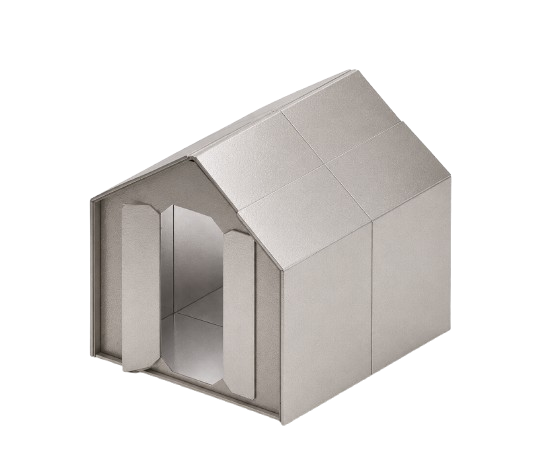 Maawa X + OSMost deployed
A permanent QR bonded on at the factory. Unbox, scan, and it's on your map before it's up.
Your own units
Tents, containers, caravans you already run. Generate QR labels in your dashboard, print them, and scan each one on site to drop it exactly where it stands — deliberate, not random. Live the same day, no new hardware.
Maawa X + OSMost deployed
A permanent QR bonded on at the factory. Unbox, scan, and it's on your map before it's up.
Your own units
Tents, containers, caravans you already run. Generate QR labels in your dashboard, print them, and scan each one on site to drop it exactly where it stands — deliberate, not random. Live the same day, no new hardware.

// Built for
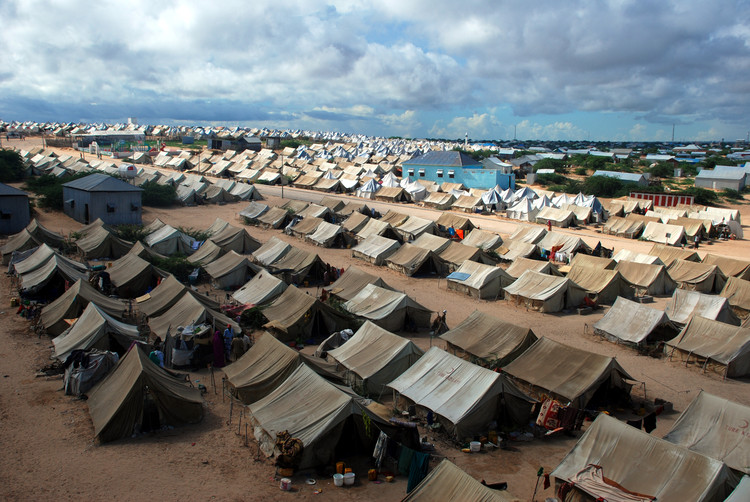
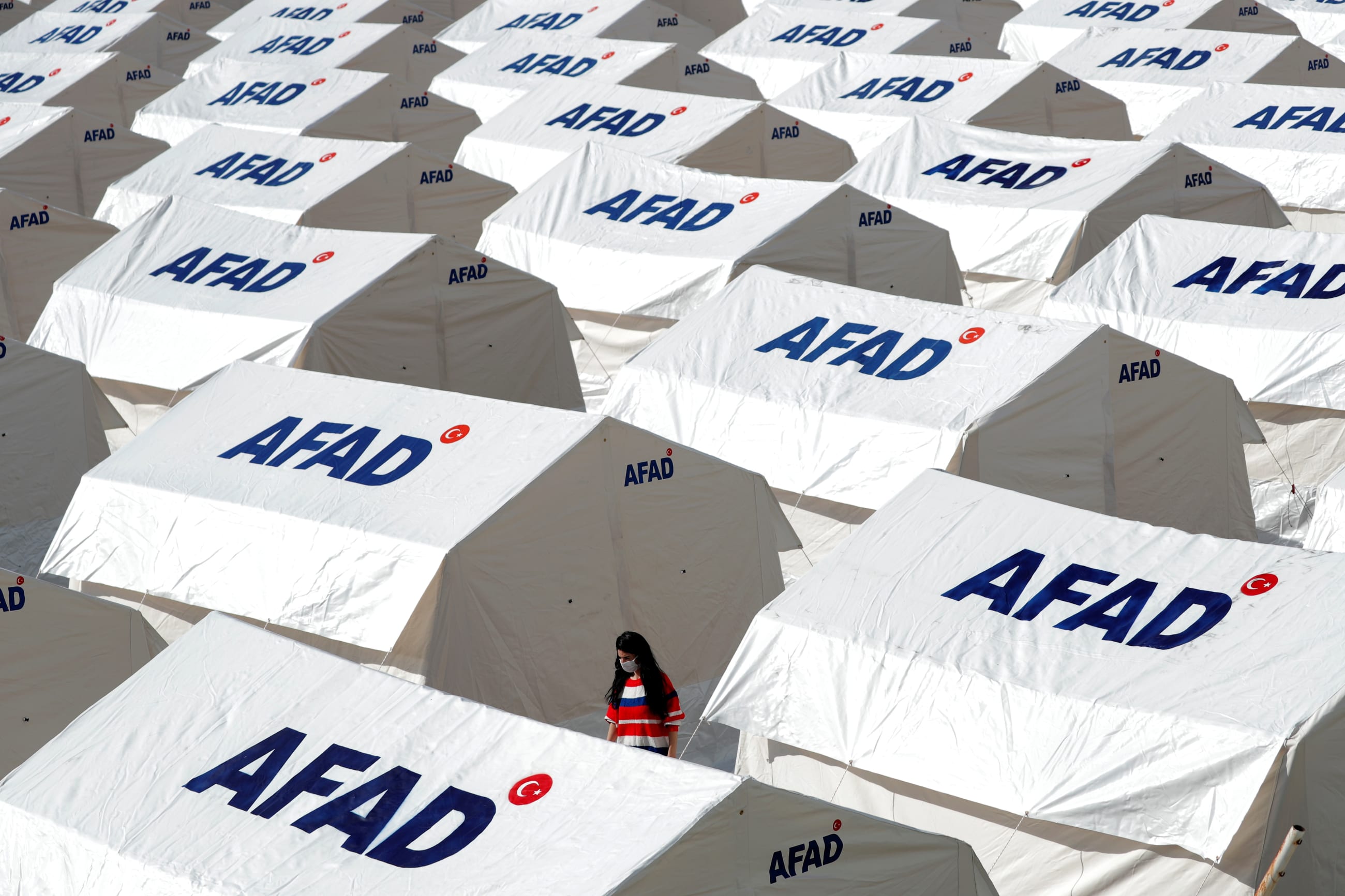
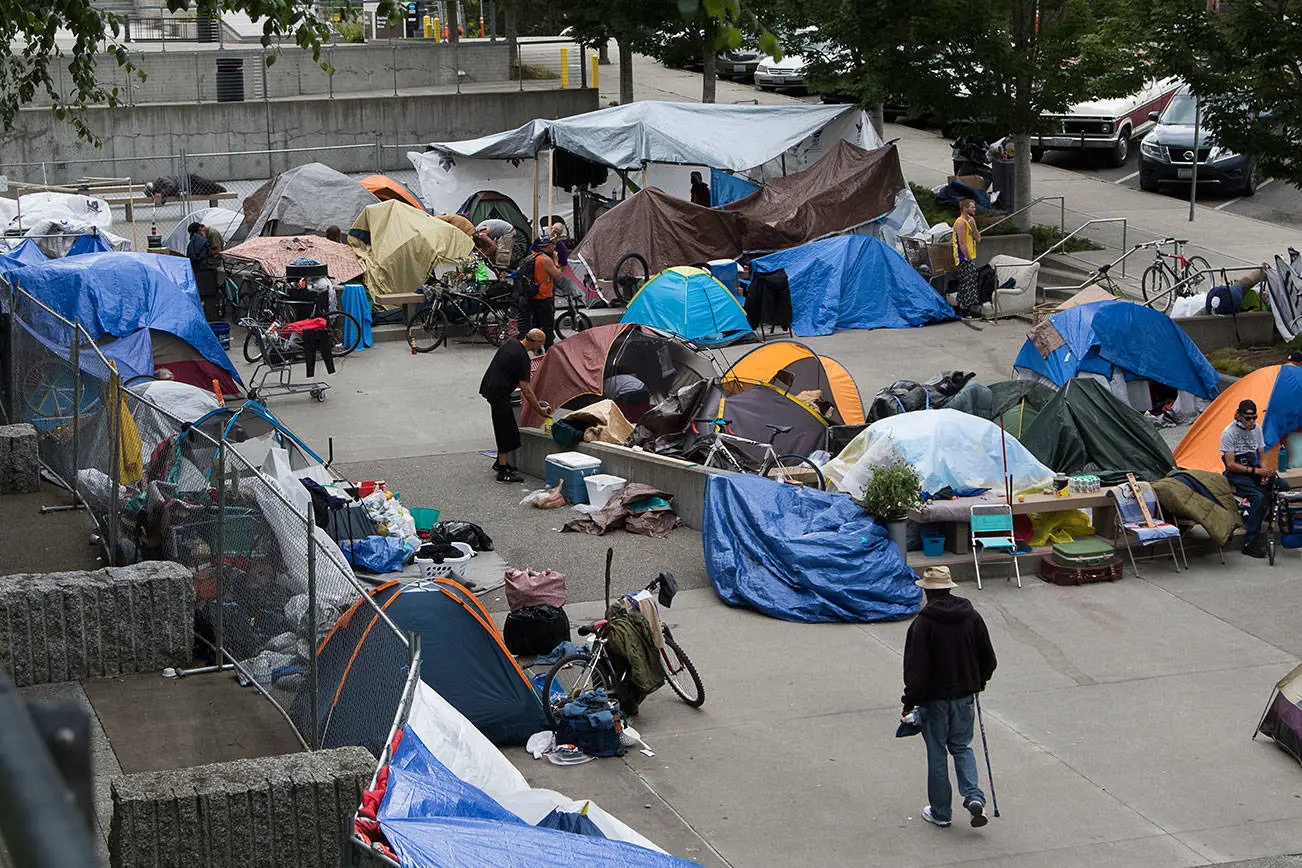
Sites that appear overnight.
// In the press
The world is watching.
Maawa — the suitcase-sized pop-up shelter that Maawa OS was built to run — covered across design and tech press worldwide.
// Book a demo
Put your site on the map.
Tell us what you run. We'll set up a live camp you can click through, with your units on it — whether that's Maawa X or the shelters you already have.
Frequently asked questions
Short answers to what people ask most.
How does Maawa OS know where each unit is?
The first physical scan of a unit's QR code sets its location on the map. Location only ever changes on a real scan, so the map reflects the physical site.
What can occupants ask for?
Water, food, medical, repairs and security — or they can raise an SOS. Staff resolve requests at the unit using a personal code, with every action attributed and timestamped.
Does it work with shelters we already own?
Yes. Print labels and attach them to existing tents, caravans or containers. Maawa X is not required.
What does an administrator see?
A live map, units, a request queue, an SOS board, occupancy records and analytics — all from one screen.
Is Maawa OS available in Arabic?
Yes, in Arabic and English, right-to-left throughout.
How much does Maawa OS cost?
Pricing is not published. Enquiries go to hello@maawa.co, or try the free sandbox at https://maawa.co/sandbox.
How do staff find out about an SOS?
It appears at once on the live map and the SOS board, with the unit, the time and who is responding. If nobody acknowledges it within the window you set (1 to 120 minutes) it escalates visibly. The board runs in any browser on a phone, tablet or laptop.
Does it work with poor connectivity or offline?
The occupant page is a plain web page, so a scan needs a data connection at that moment — there is no app and nothing to install. The staff dashboard is a web app that installs on a phone or laptop.
Where does the data live, and is history kept?
In Maawa's managed cloud database, scoped to your organisation. Records are append-only: every event carries a time and a location, and history is closed rather than overwritten or deleted, so a unit's past stays true even after it moves.